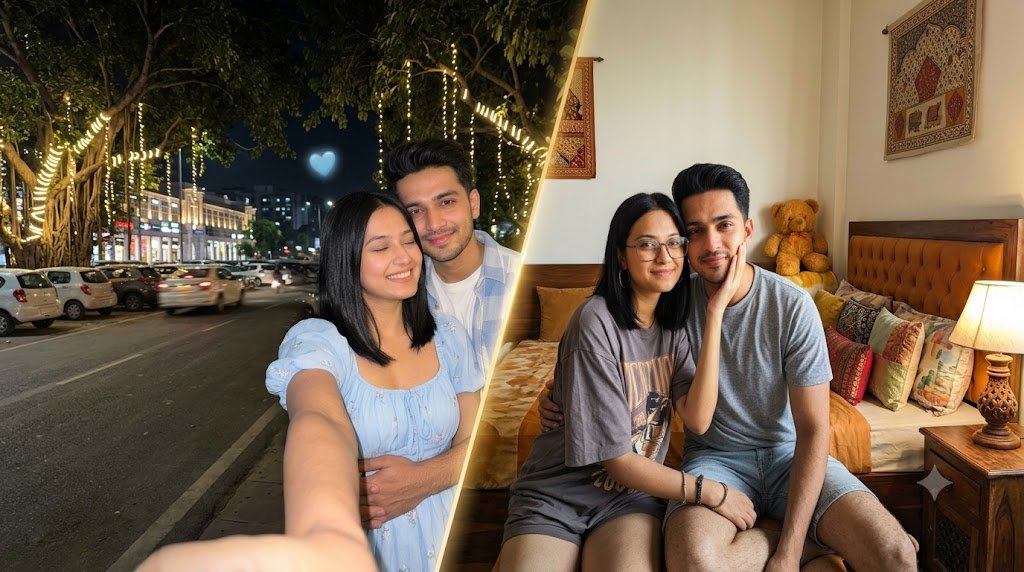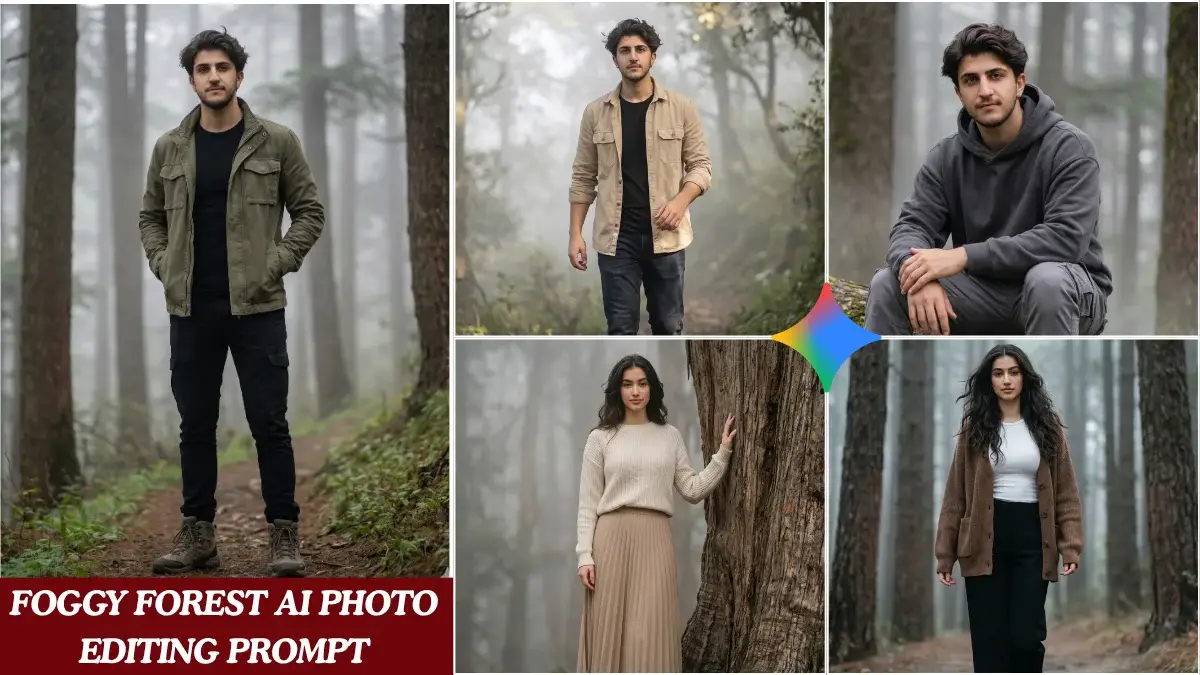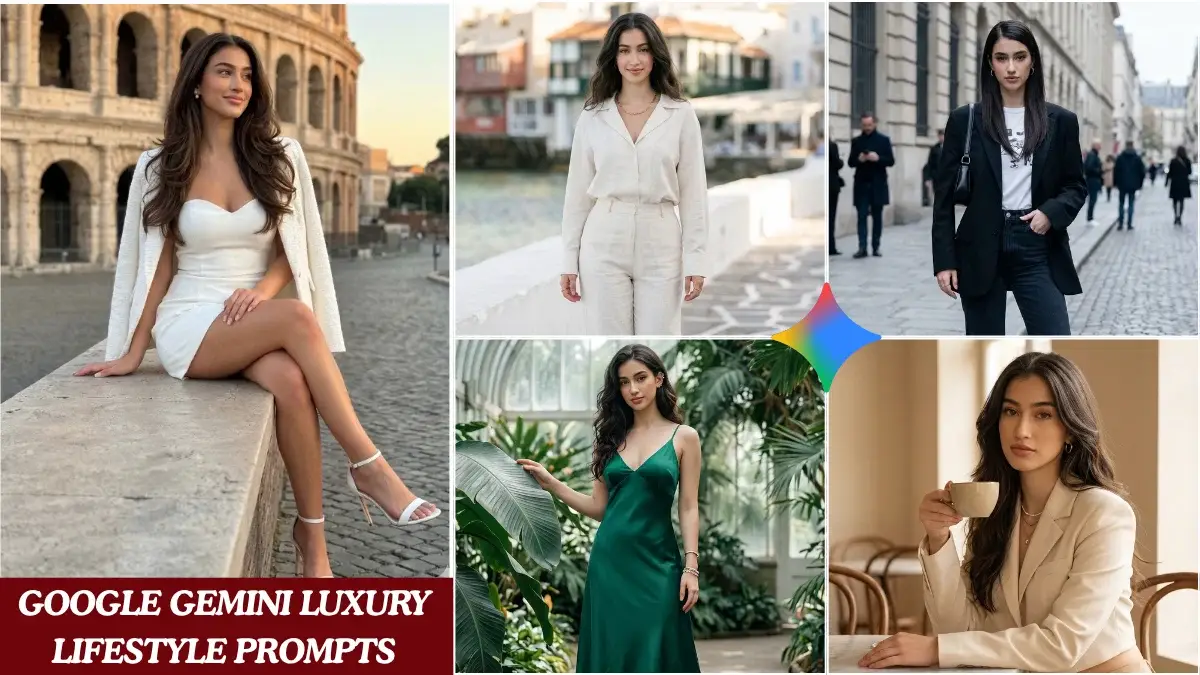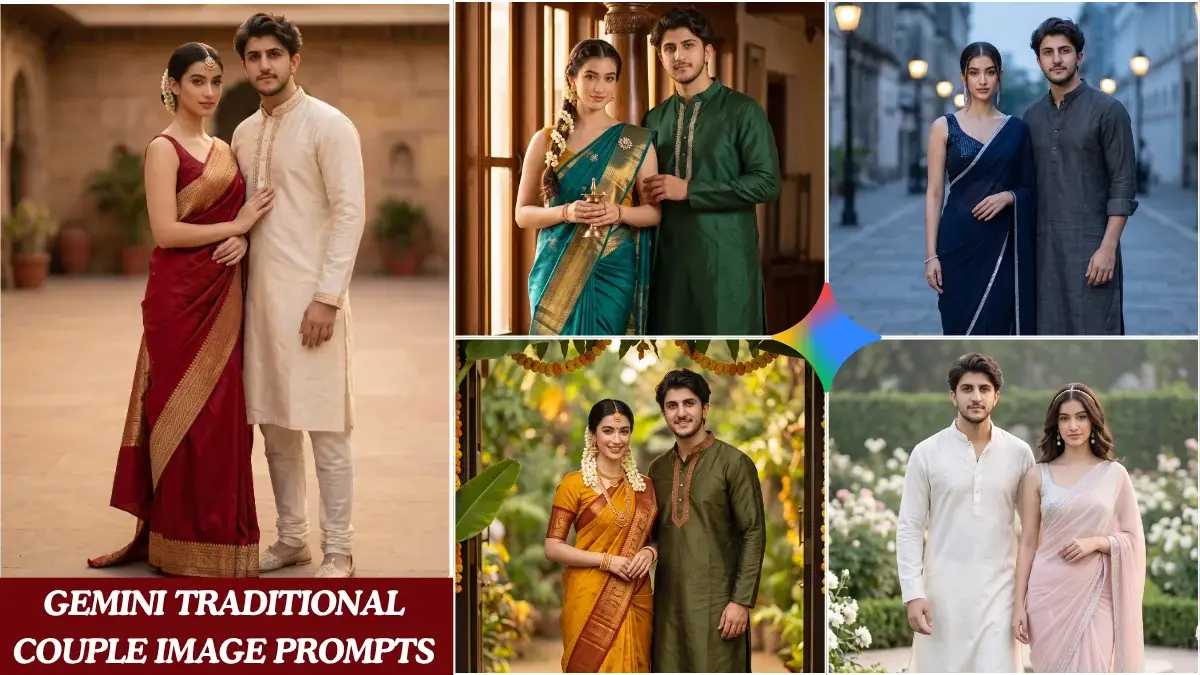
Kids Festival Photo Prompts
Festivals are a wonderful time to capture children’s happiness, traditional outfits, family celebrations, and colorful surroundings. With AI image generators, you can turn a simple child reference photo into a creative festive portrait while keeping the overall scene natural and age-appropriate.
A good AI kids photo prompt should describe more than just the clothing. Details such as the festival setting, traditional decorations, lighting, colors, expression, background, and composition can help the image generator understand the complete visual concept.
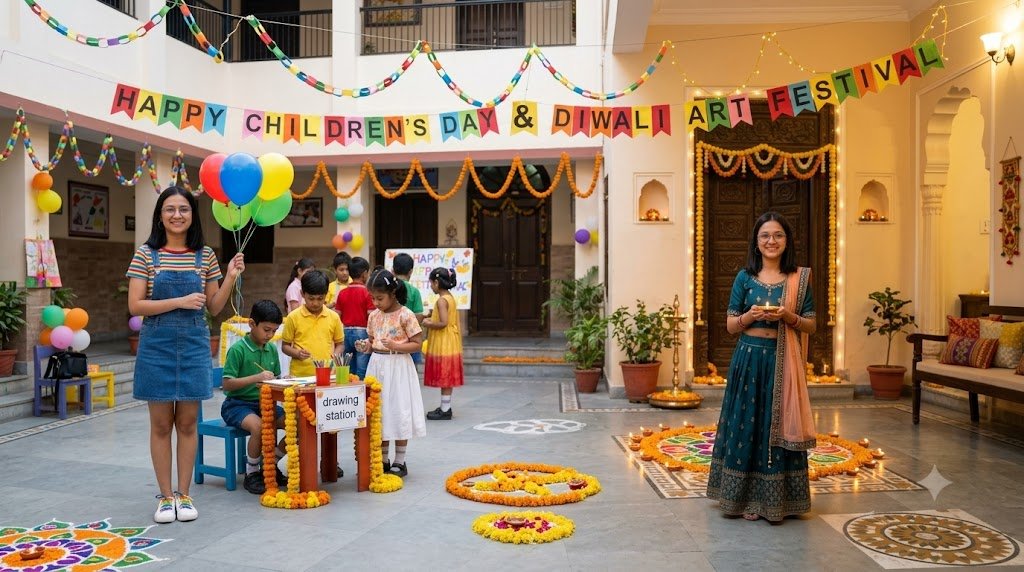
With India’s festive season approaching, these two prompts are designed around Diwali and Children’s Day. Both concepts focus on cheerful, family-friendly celebrations while giving the AI enough visual information to create a detailed result.
1. Diwali Kids Traditional Portrait Prompt
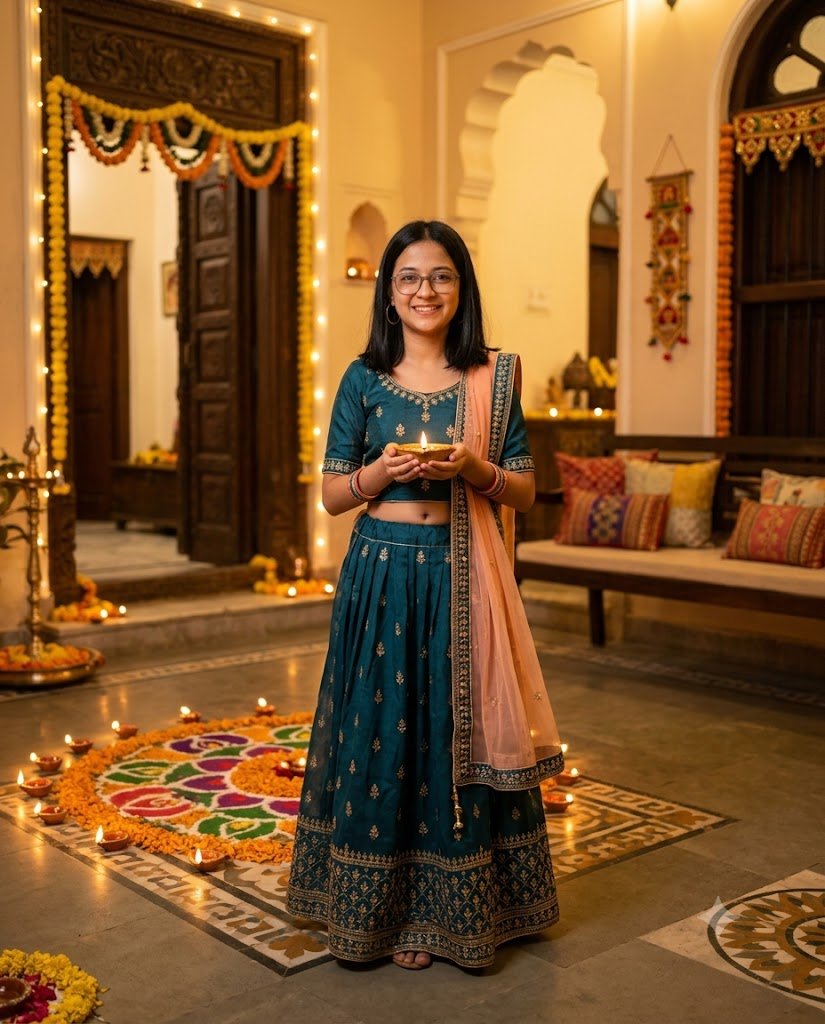
Diwali is closely associated with diyas, rangoli, flowers, warm lights, and traditional Indian clothing. This prompt combines those elements into a bright and elegant children’s festive portrait.
The child wears a traditional Indian outfit and stands in a decorated home environment surrounded by tasteful festive details. Instead of filling the entire scene with decorations, the prompt uses a balanced composition so the child remains the main focus.
Warm golden lighting helps create the feeling of a Diwali evening, while the softly blurred background adds depth to the image.
Prompt
Create a warm, photorealistic Diwali 2026 portrait of the child from the uploaded reference image. Preserve the child's recognizable facial identity, natural age appearance, facial structure, hairstyle, skin tone, and unique features. Do not make the child look older or change their natural appearance.

Dress the child in a beautiful traditional Indian festive outfit suitable for their age, featuring rich festive colors, subtle embroidery, and realistic fabric details. Keep the clothing comfortable, natural, and age-appropriate.

Place the child in a beautifully decorated Indian home courtyard during Diwali evening. Add small glowing diyas arranged safely around the floor, a colorful but elegant rangoli, subtle marigold flower decorations, warm fairy lights, and a softly illuminated traditional doorway in the background.

The child should have a cheerful and natural expression, standing comfortably while holding a small decorative diya safely with both hands. Keep the pose relaxed and age-appropriate.

Use warm golden ambient lighting with soft highlights on the child's face and clothing. Create realistic skin texture, natural hair details, authentic fabric folds, balanced exposure, soft depth of field, realistic shadows, natural colors, professional photography, photorealistic quality, cinematic atmosphere, ultra-detailed, 8K UHD.

Keep the overall scene wholesome, festive, family-friendly, and natural.

Strictly vertical 4:5 composition.

Negative Prompt: Older-looking child, adult appearance, mature styling, exaggerated makeup, altered facial identity, distorted face, unrealistic skin, plastic skin, extra fingers, incorrect anatomy, unnatural pose, cartoon appearance, AI artifacts, excessive decorations, oversaturated colors, blur, low quality, unnatural lighting.
How This Prompt Works
The first part focuses on identity and age preservation. This is particularly useful when a reference image is being used because the generated result should still resemble the child rather than creating an unrelated character.
The next section controls the traditional outfit and festive environment. Elements such as diyas, rangoli, marigold flowers, and warm lights immediately establish the Diwali theme.
The lighting instructions then help create a warm evening atmosphere. Keeping the background slightly blurred allows the child’s portrait to remain the main visual element.
You can customize the outfit color, background decorations, or location while keeping the main structure of the prompt unchanged.
2. Children’s Day Celebration Prompt
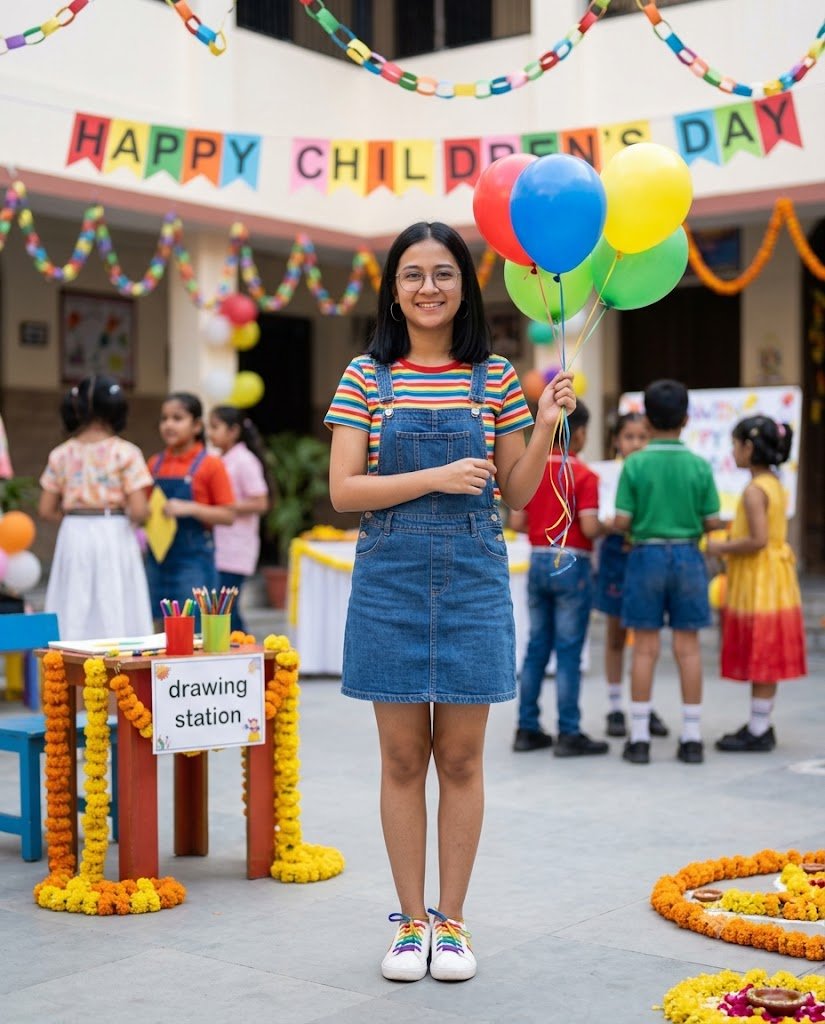
The second concept has a completely different atmosphere. Instead of a traditional festival portrait, this prompt creates a bright and playful Children’s Day celebration.
The idea is to show the child enjoying a cheerful school or family event surrounded by balloons, colorful decorations, flowers, and simple festive elements.
The prompt keeps the scene lively without making it visually overwhelming. Natural expressions and realistic surroundings are prioritized so the final image feels like a genuine celebration photograph.
Prompt
Create a joyful, photorealistic Children's Day celebration portrait of the child from the uploaded reference image. Preserve the child's recognizable facial identity, natural age, facial structure, hairstyle, skin tone, and unique facial characteristics. Do not change the child's age or make the child appear older.

Dress the child in a smart and colorful age-appropriate outfit with comfortable styling and realistic fabric texture. Keep the appearance natural and suitable for a cheerful children's celebration.

Place the child at a beautifully decorated Children's Day event in a bright school courtyard. Add colorful balloons, paper decorations, small flower arrangements, playful banners, and a few softly blurred children-friendly activity areas in the background.

The child is smiling naturally while holding a small bunch of colorful balloons. Create a relaxed and happy expression rather than an exaggerated pose.

Use bright natural daylight with soft shadows and balanced exposure. Include realistic skin texture, detailed hair, natural clothing folds, authentic background elements, subtle depth of field, realistic colors, professional photography, photorealistic quality, crisp details, cinematic composition, ultra-detailed, 8K UHD.

Keep the scene wholesome, cheerful, family-friendly, and appropriate for a child.

Strictly vertical 4:5 composition.

Negative Prompt: Adult appearance, older-looking child, mature styling, exaggerated makeup, altered identity, distorted facial features, unrealistic body proportions, extra fingers, unnatural pose, plastic skin, cartoon look, AI artifacts, excessive blur, oversaturated colors, inappropriate clothing, unnatural lighting, low-quality image.
How This Prompt Works
Unlike the Diwali prompt, this one focuses on daylight, colorful decorations, and a playful celebration.
The reference image establishes the child’s appearance, while the rest of the prompt creates the new environment. Balloons, flowers, school decorations, and a bright outdoor setting help communicate the Children’s Day theme without requiring an overly complicated composition.
The negative prompt also helps maintain an age-appropriate visual style by specifically asking the generator to avoid adult-looking features, mature styling, or inappropriate clothing.
How to Get Better Results With Kids’ Festival Prompts
Use a Clear Reference Image
If your AI image generator supports reference images, choose a photograph where the child’s face is clearly visible. Avoid heavily filtered images or photographs where the face is partially covered.
Keep the Age Consistent
When creating images of children, clearly state that the natural age and appearance should be preserved. This can help reduce unwanted changes during image generation.
Describe the Festival Clearly
Specific visual elements make the theme easier to understand. For Diwali, details such as diyas, rangoli, marigold flowers, and warm lights establish the setting. For Children’s Day, balloons, school decorations, flowers, and daylight create a different atmosphere.
Avoid Overloading the Scene
Adding too many objects can make an AI-generated image look artificial. Choose a few important background elements and allow the subject to remain the main focus.
Experiment With Small Changes
You can create multiple variations by changing the outfit color, background location, lighting, or decorative elements. It is usually easier to modify one section at a time rather than rewriting the complete prompt.
Conclusion
These two AI kids festival photo prompts provide two different ways to create festive children’s portraits. The Diwali prompt focuses on traditional Indian clothing, warm evening lighting, diyas, and rangoli, while the Children’s Day version uses a brighter and more playful celebration setting.
Th
Pankaj is the founder of iLikePrompt, where he explores and shares useful AI prompts, creative ideas, and practical resources. His goal is to make AI easier to understand and help people create better results with the right prompts.